
CKEditor 5 for Backdrop
Enhanced WYSIWYG editor support for your Backdrop website
Provide content authors with the latest WYSIWYG editing tools and features available in Drupal 10+.
CKEditor 5 for Backdrop CMS is built upon complete backports of the Drupal 10+ core Editor and CKEditor 5 modules.
Editor provides an API and user interface for adding and managing WYSIWYG editors. It also bring with it a number of feaures that were previously only available in Drupal 8+ such as advanced file usage tracking (including block body support), Cross-Site Scripting (XSS) filtering and native multi-modal modal dialog support.
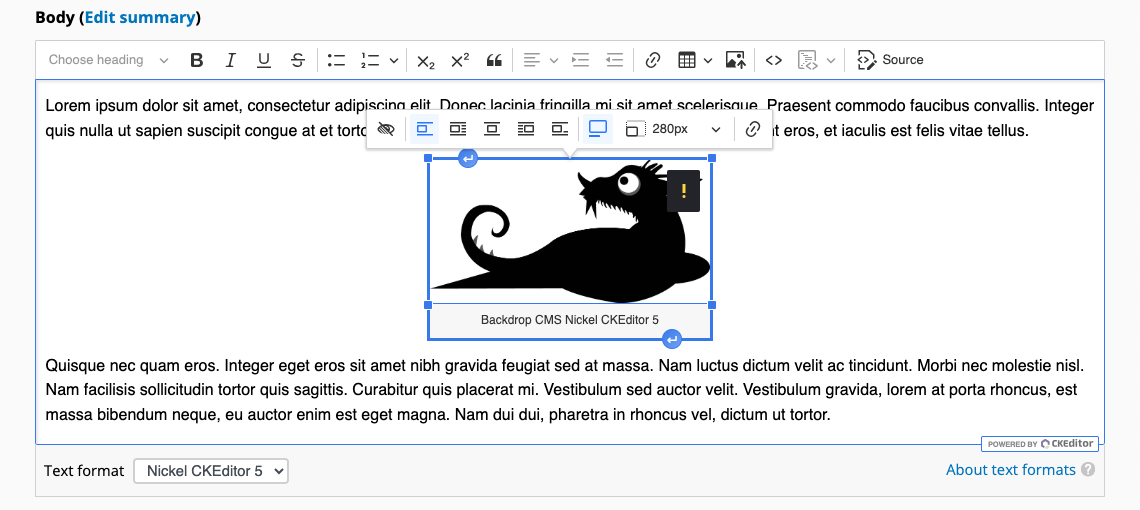
CKEditor 5 enables site authors to format content using a simple but powerful WYSIWYG editor. It includes an AJAX-powered configuration UI, automatic HTML restriction generation and enhanced language capabilities.
Extensions
Commonly used Drupal 10+ core and contrib modules that add media management and content linking capabilities to CKEditor 5, such as Media Library, Media: oEmbed, Entity Embed and Linkit have been backported and are available as part of CKEditor 5 Media Management and Linking for Backdrop.
Features
CKEditor 5 for Backdrop features include:
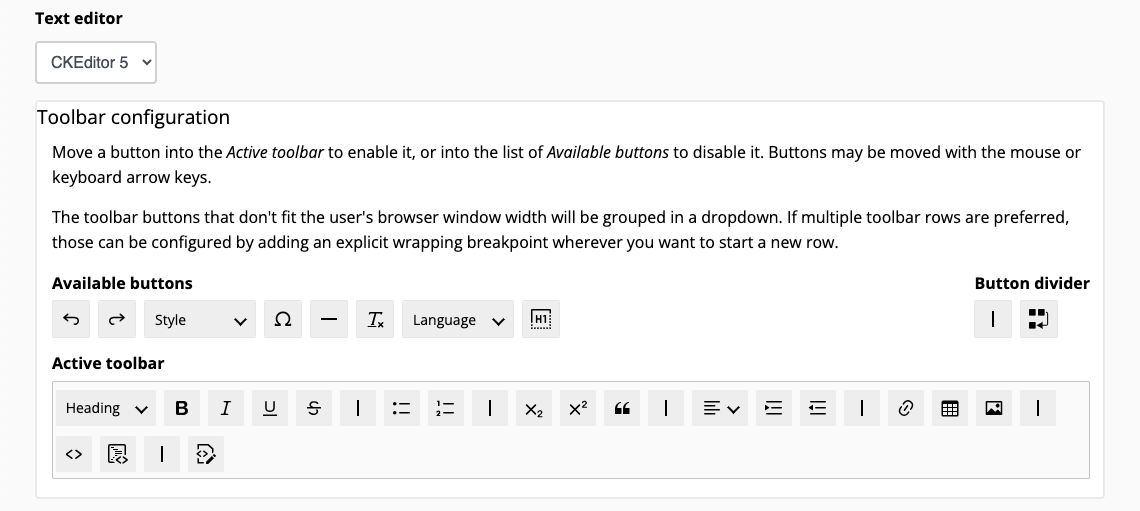
- A fully-featured administration UI. The editor toolbar can be fully customized with a mouse or keyboard arrow keys.
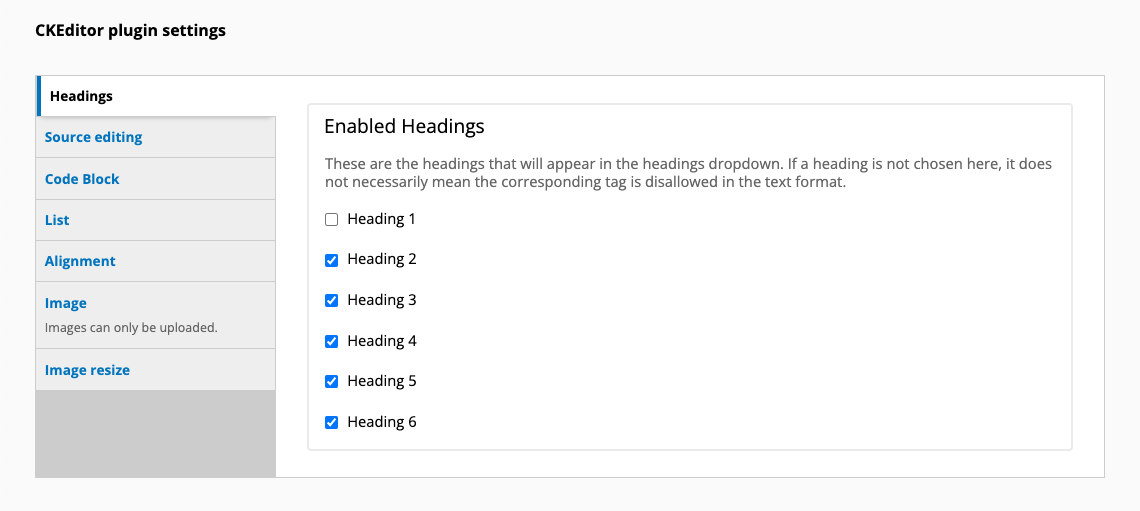
- Dynamic, per-editor, plugin settings. CKEditor 5 plugins that provide customizable settings will have their configuration options dynamically displayed/hidden as their associated toolbar buttons are enabled/disabled.
- Pluggable text/WYSIWYG integration, allowing editors to be assigned per text format. CKEditor 4 and 5 may be used simultaneously on the same website as required, enabling a flexible transition to the CKEditor 5.
- A comprehensive suite of included plugins. Align content, display code with syntax highlighting, restrict available headings, embed images from a remote URL or uploaded by the user, resize images, associate content with a specific language, customize list options, edit source markup and specify custom text styles.
- Extensibility with a well-documented API. Change editor settings, add custom CKEditor plugins, include required CSS files and modify the CKEditor 4 to 5 upgrade path using the available info and alter hooks.
- Automatically generated HTML restrictions. A list of allowed HTML tags and associated attributes is dynamically populated based on the requirements of the enabled toolbar buttons and plugins.
- Configuration management support. Selected editor and editor settings are included with exported text formats.
- Straightforward platform migrations. Functionality, settings, plugins and APIs parity with CKEditor 5 for Drupal 7 and Drupal 10+ core simplifies migrations to and from Backdrop CMS.
- Simple migrations from CKEditor 4. Swapping the rich text editor, associated with a filter format, from CKEditor 4 to CKEditor 5 will trigger an upgrade process that automatically selects the equivalent CKEditor 5 plugins, plugin settings and toolbar buttons.
- Example plugin templates and interactive debugging with CKEditor 5 Dev Tools.
- Compatibility with a wide range of hosting environments, including PHP (5.6 - 8.4), jQuery (1.12 - 3.7.1) and jQuery Migrate (1.4.1 - 3.5.2).